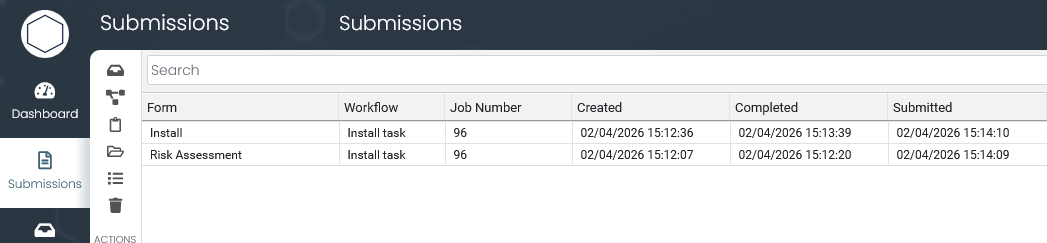
Job Management
Create jobs in the back office, assign them to field workers, and link every form submission to the job it belongs to.
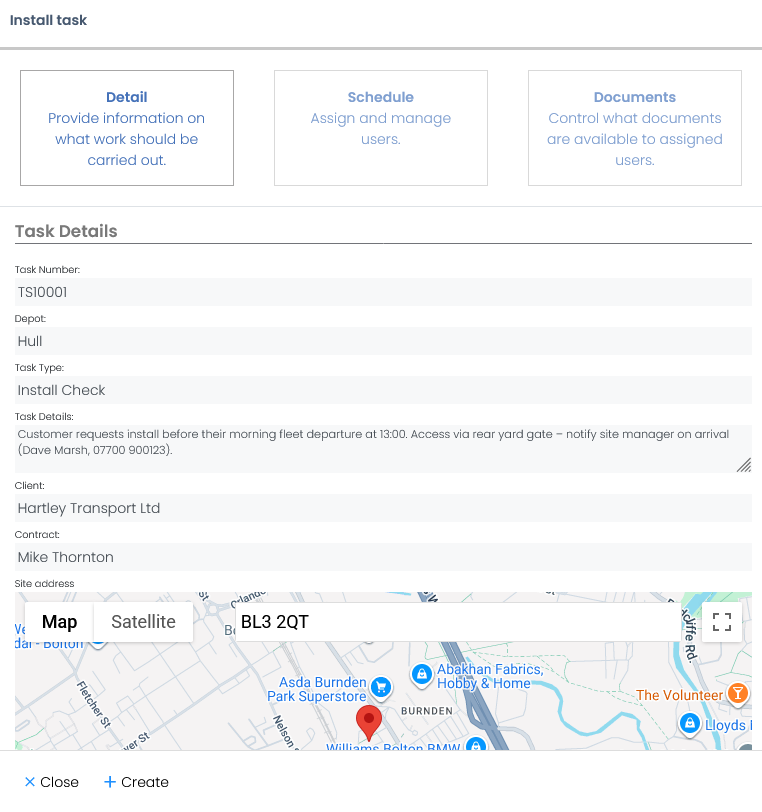
Create a job in the back office
An office user creates a job with a description, location, priority, and assigns it to a field worker or team. The job specifies which forms need to be completed.
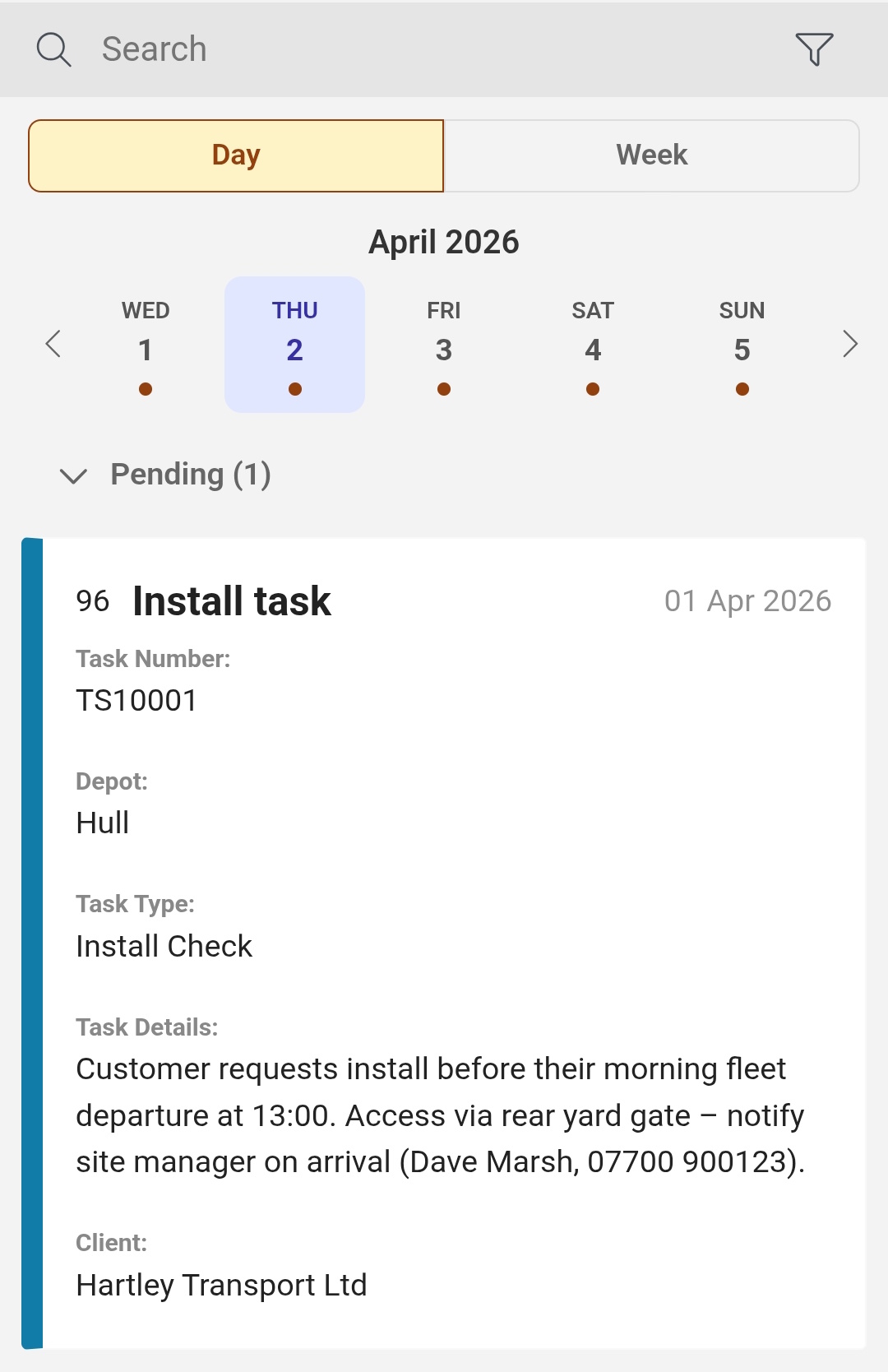
Field worker sees the job on their phone
The assigned worker opens Formulate and sees the job in their queue with all the details they need: location, description, and which forms to fill in.
Complete the required forms
The worker taps the job and completes the linked forms on site. Each form submission is automatically tied to that job, so nothing gets disconnected.
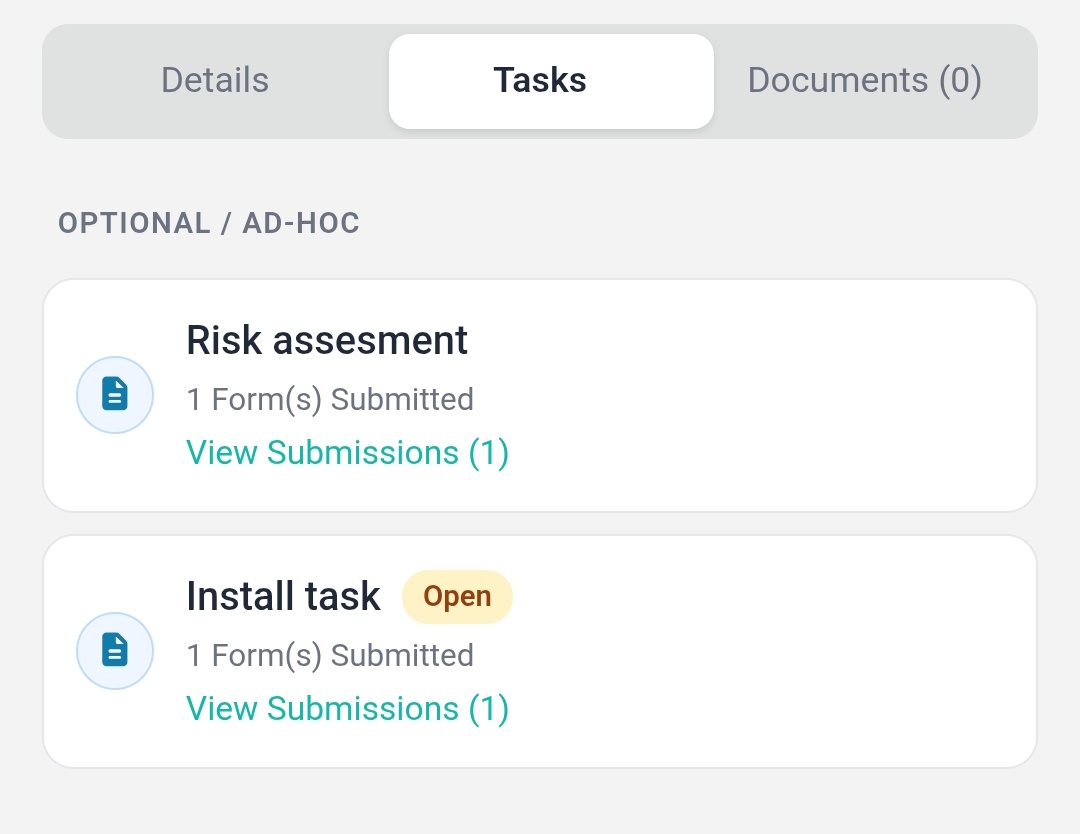
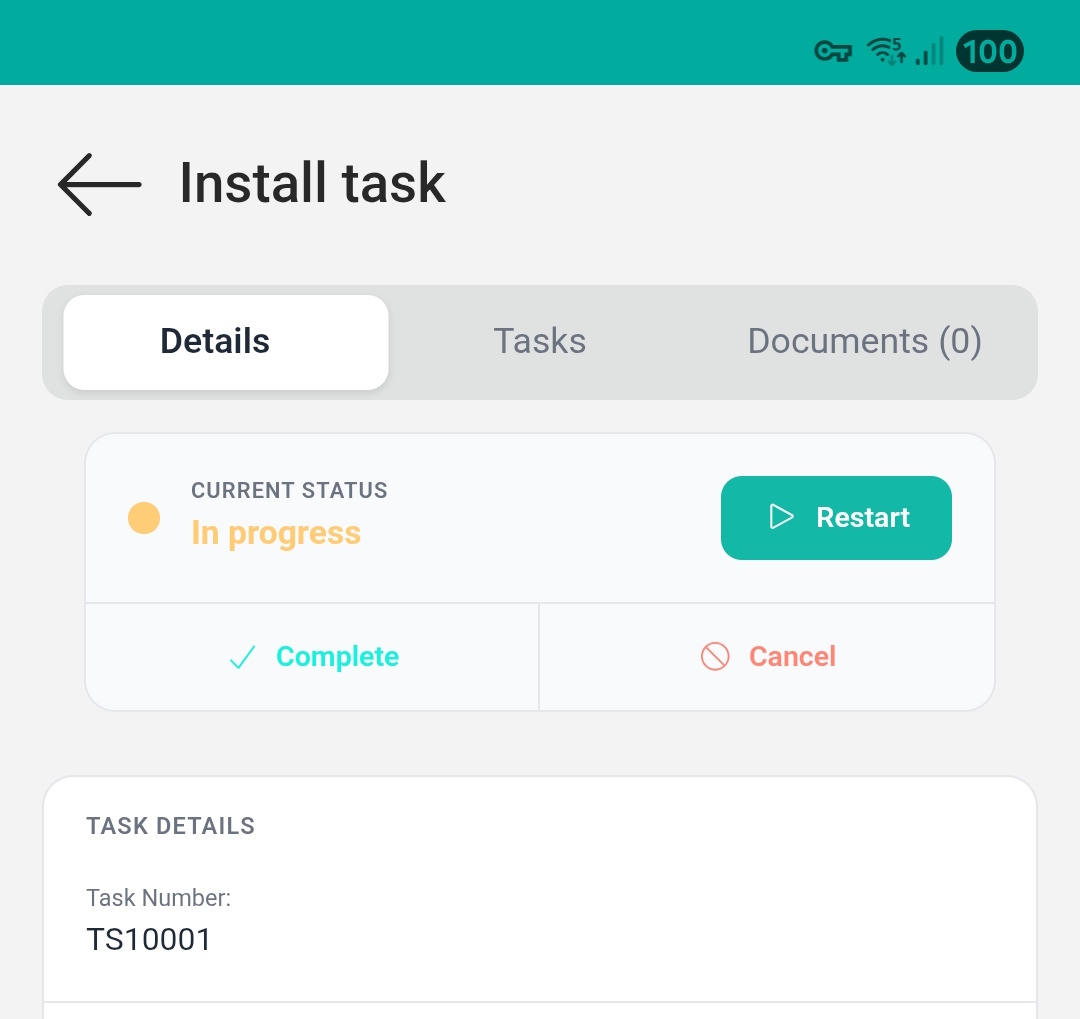
Job status updates in real time
As forms are submitted, the job status updates automatically in the back office. The office team can see progress across all active jobs without calling anyone.
Complete record against each job
When the job is done, every form, photo, signature, and data point is linked together under one job reference. No manually tying things together after the fact.