AI Photo Validation
Most form apps just check that a photo was attached. Formulate checks what's actually in the photo.
The form requests a specific photo
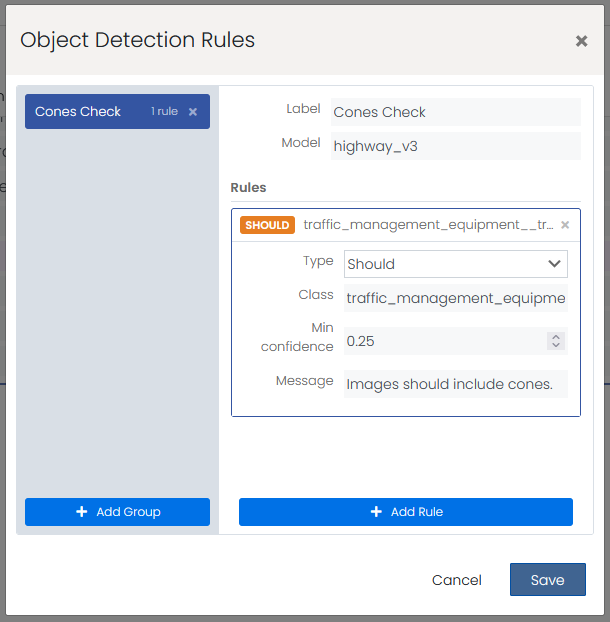
The form designer configures which AI model to use for each photo field. For example, a tyre inspection field is linked to a tyre detection model.
The field worker takes a photo
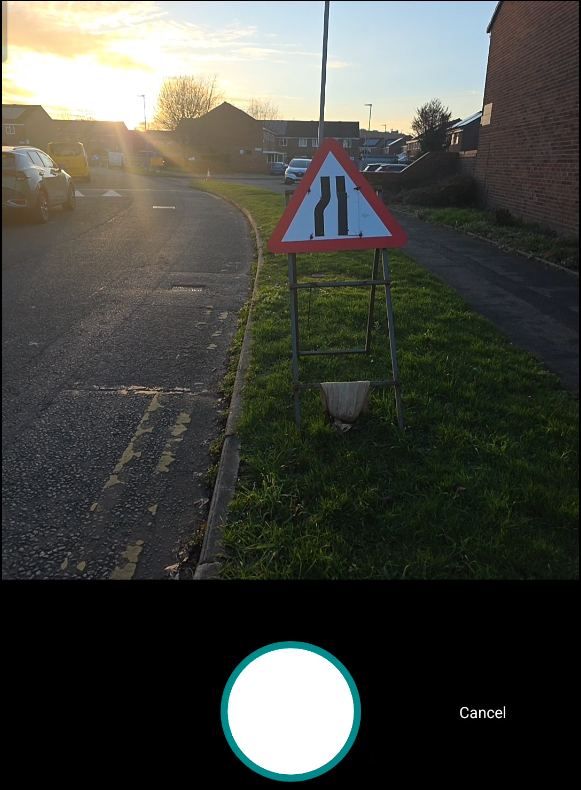
On the mobile device, the camera opens. The worker takes a photo of the component they're inspecting. This happens exactly the same as any normal photo capture.
AI analyses the image instantly
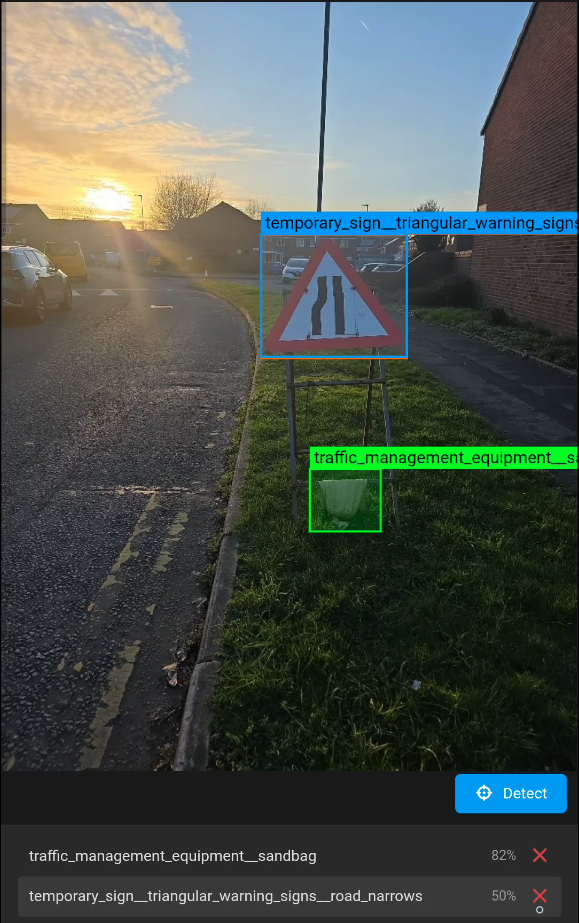
Formulate's AI model runs on the captured image. It detects whether the expected subject is present, assesses its condition, and checks image quality. This takes seconds.
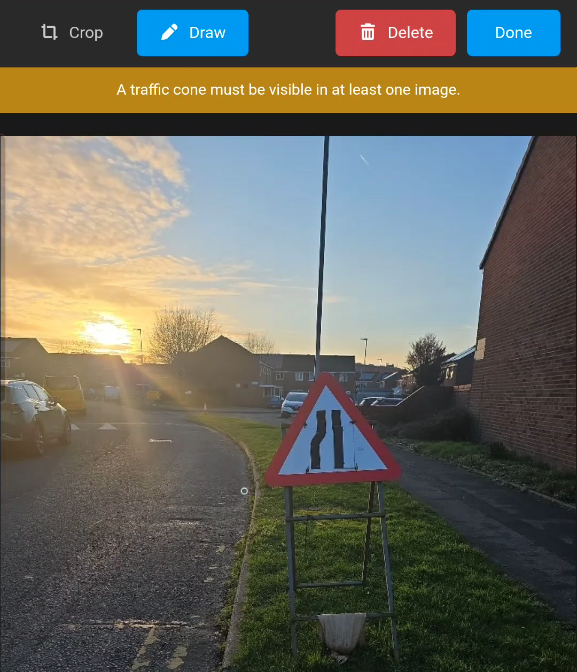
Wrong subject? Retake prompted
If the photo doesn't contain the expected subject (for example, a boot photographed instead of a tyre), the form flags it and asks the worker to try again. No incorrect photos make it through.