Completing a Field Inspection
Follow a field worker through a typical site inspection. From opening the app to a signed, geotagged submission arriving in the back office.
Open the assigned form
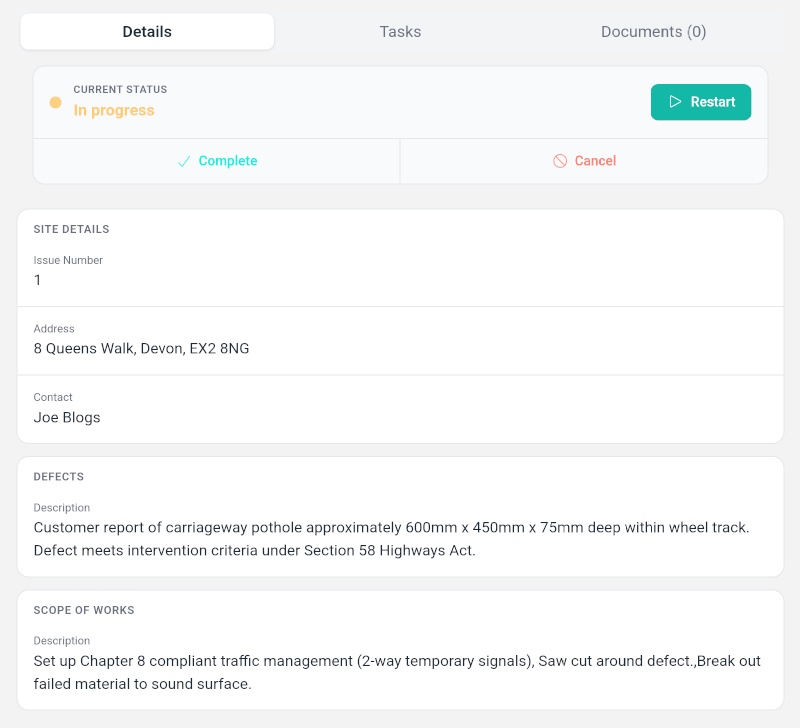
The field worker opens Formulate on their phone and sees their assigned inspections. They tap the job to open the form, which loads instantly, even without signal.
Fill in the inspection details
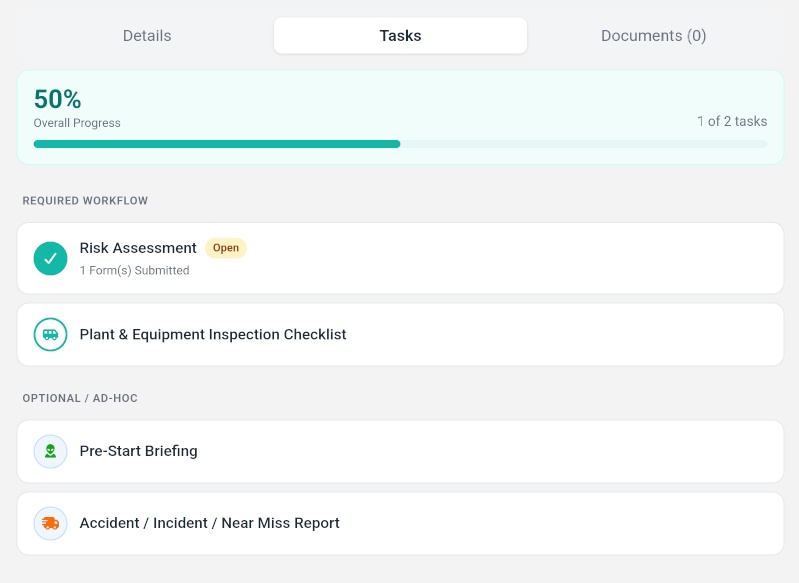
The form guides them through each section: site details, condition assessments, dropdown selections, and numeric readings. Conditional logic shows or hides fields based on previous answers.
Capture and validate photos
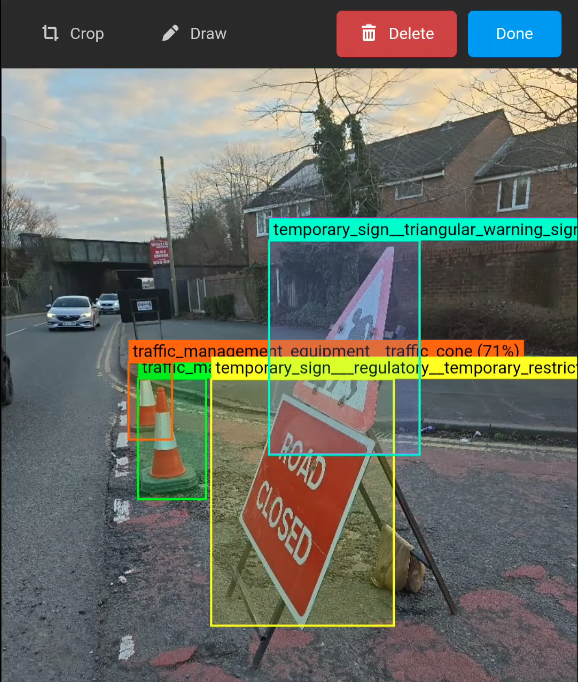
When a photo field is reached, the camera opens. After taking the shot, the AI checks that the right subject is in frame. If it's wrong, the worker is prompted to retake before they can move on.
Mark up defects on photos
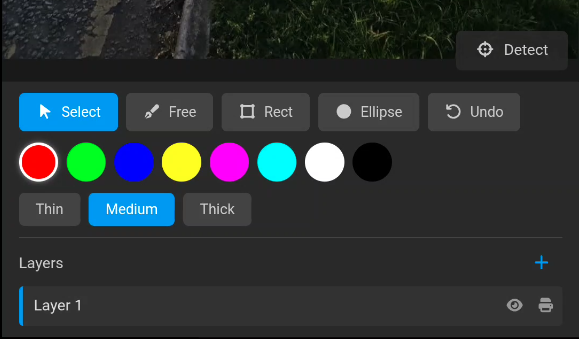
For any issues found, the worker can draw directly on the photo to circle or highlight the defect. Annotations are saved with the submission and visible to the office team.
Sign and submit
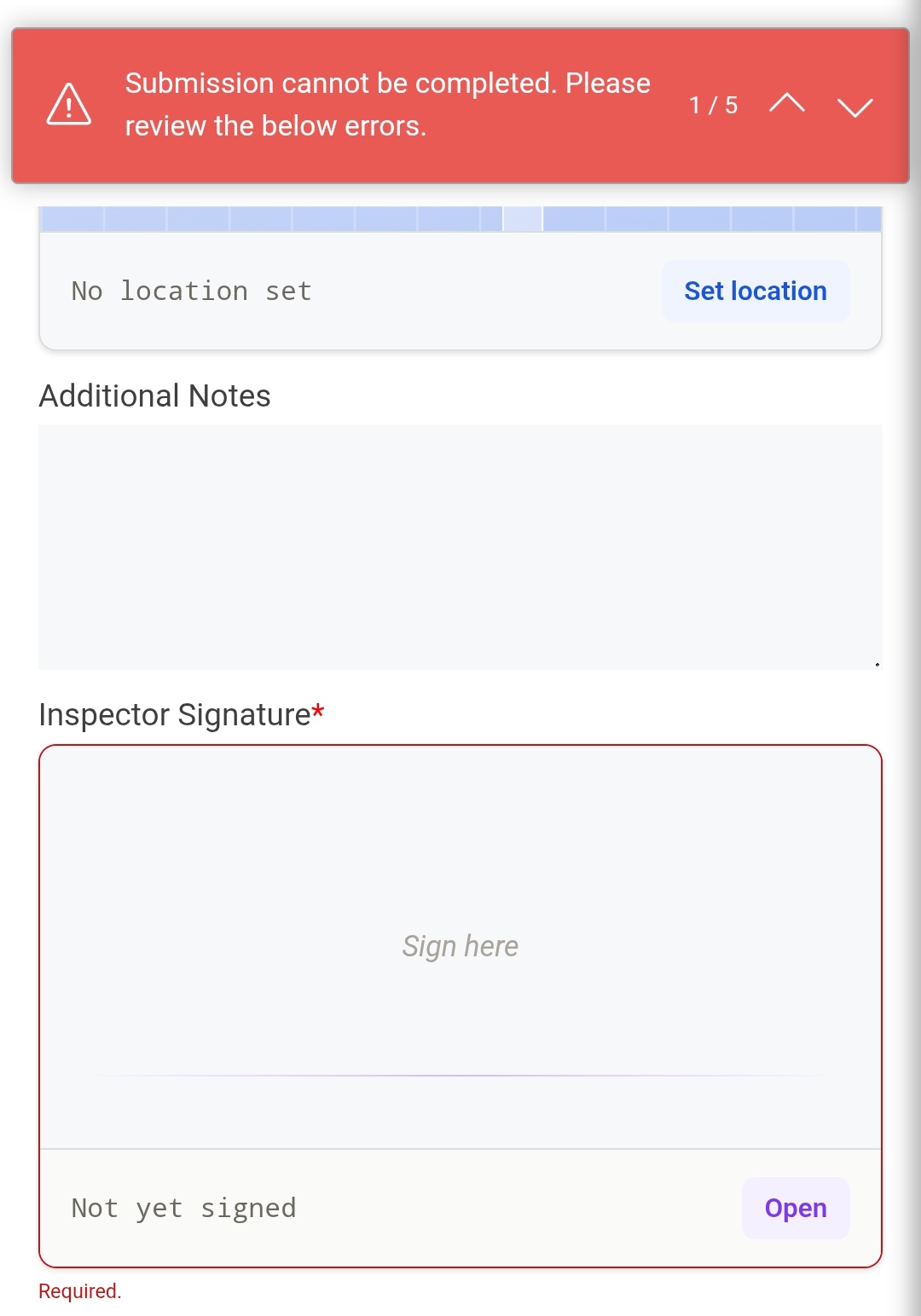
At the end of the form, the worker adds their digital signature. GPS location is captured automatically. They hit submit and the form is queued for upload, even if there's no signal right now.
Review in the back office
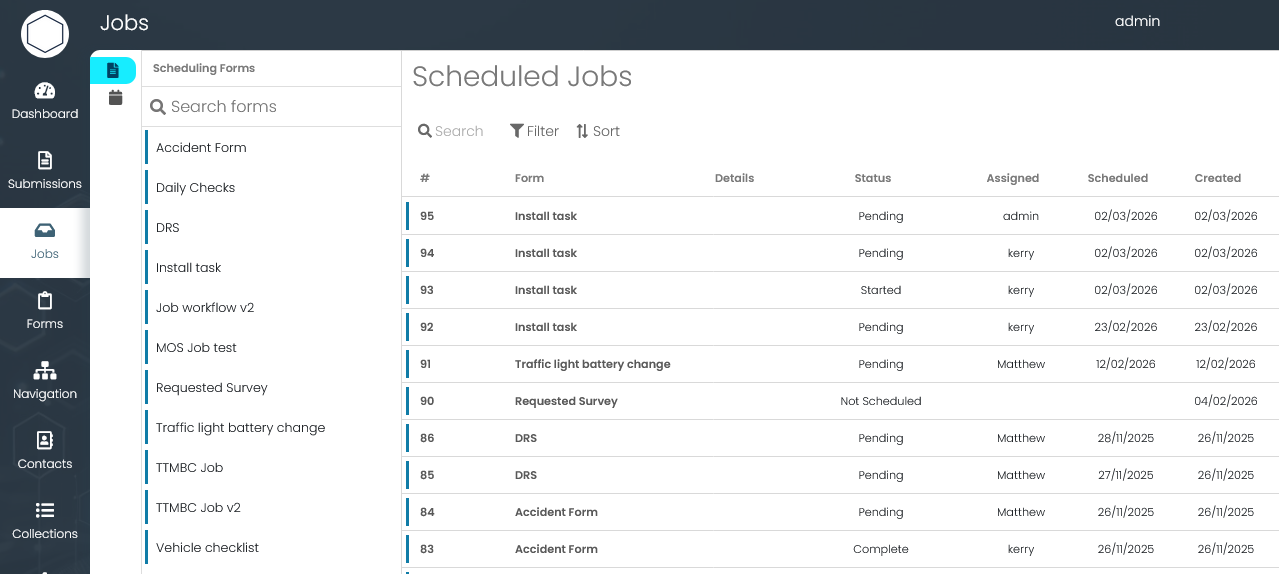
The submission appears in the back office with all photos, annotations, GPS coordinates, and form data. If a defect was flagged, the workflow engine routes it to the right person automatically.